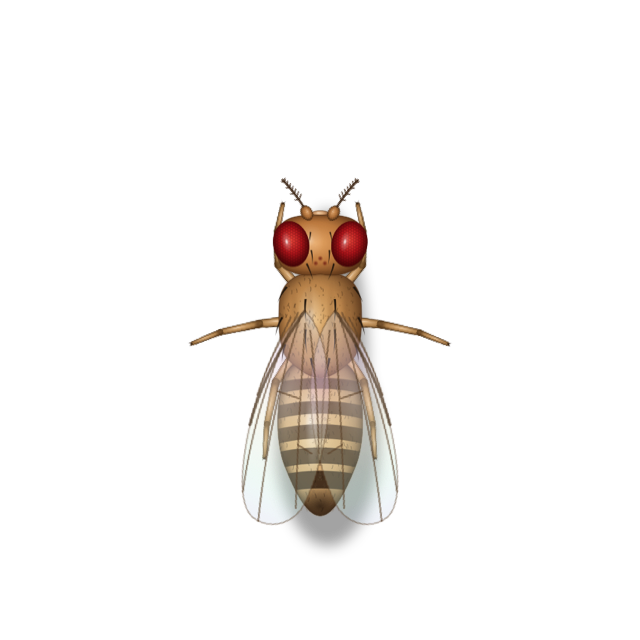
Fruit Fly
Drosophila melanogaster
Tracks the smell of fermentation in quick zigzags, lands on the rim to feed and grooms constantly.
A menu bar app for macOS
BugBnB turns a neglected Trash into a guest house. Let it fill up and meticulously drawn fruit flies, ants, cockroaches, moth flies and mosquitoes check in. They feed at the bin, roam across your displays and scatter when your pointer comes near. Empty the Trash, and everyone checks out.
Free · Version 1.0.2 · macOS 11 Big Sur or later · Apple silicon & Intel
Built native
Written in Swift with AppKit, SwiftUI and Core Animation, like a Mac app should be. No Electron, no bundled browser, no background daemon — and it really quits when you quit it.
Every insect is a pre-rendered frame of the app’s own artwork, so your Mac only moves pictures around. Frame rates drop the moment guests settle, on battery, or when a screen is covered: ≈ 1.8% CPU with twenty guests, ≈ 0.02% with none, on an Intel Core i7‑10710U.
A 9.1 MB disk image, about 17.0 MB installed — one universal binary that runs natively on Apple silicon and Intel, back to macOS 11.
How it works
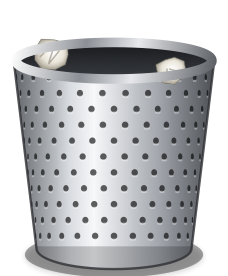
Step 1
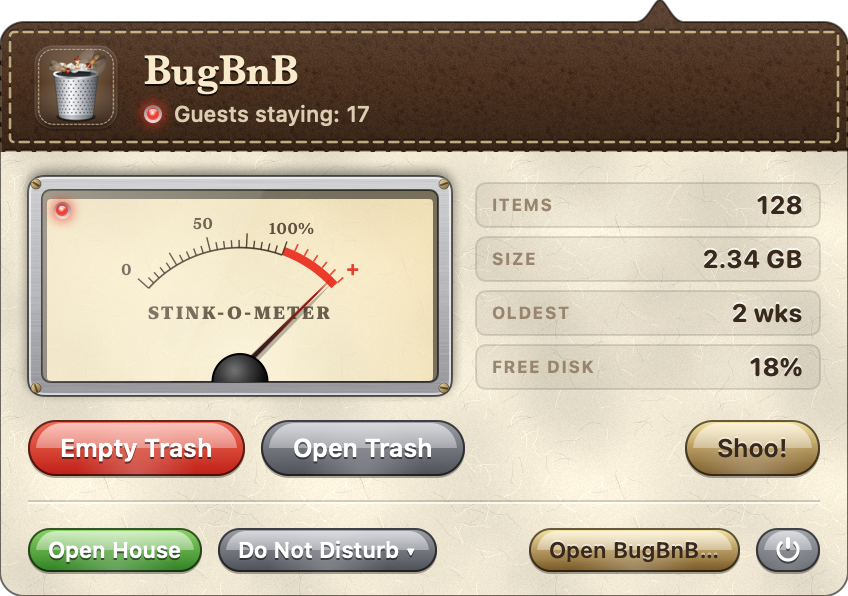
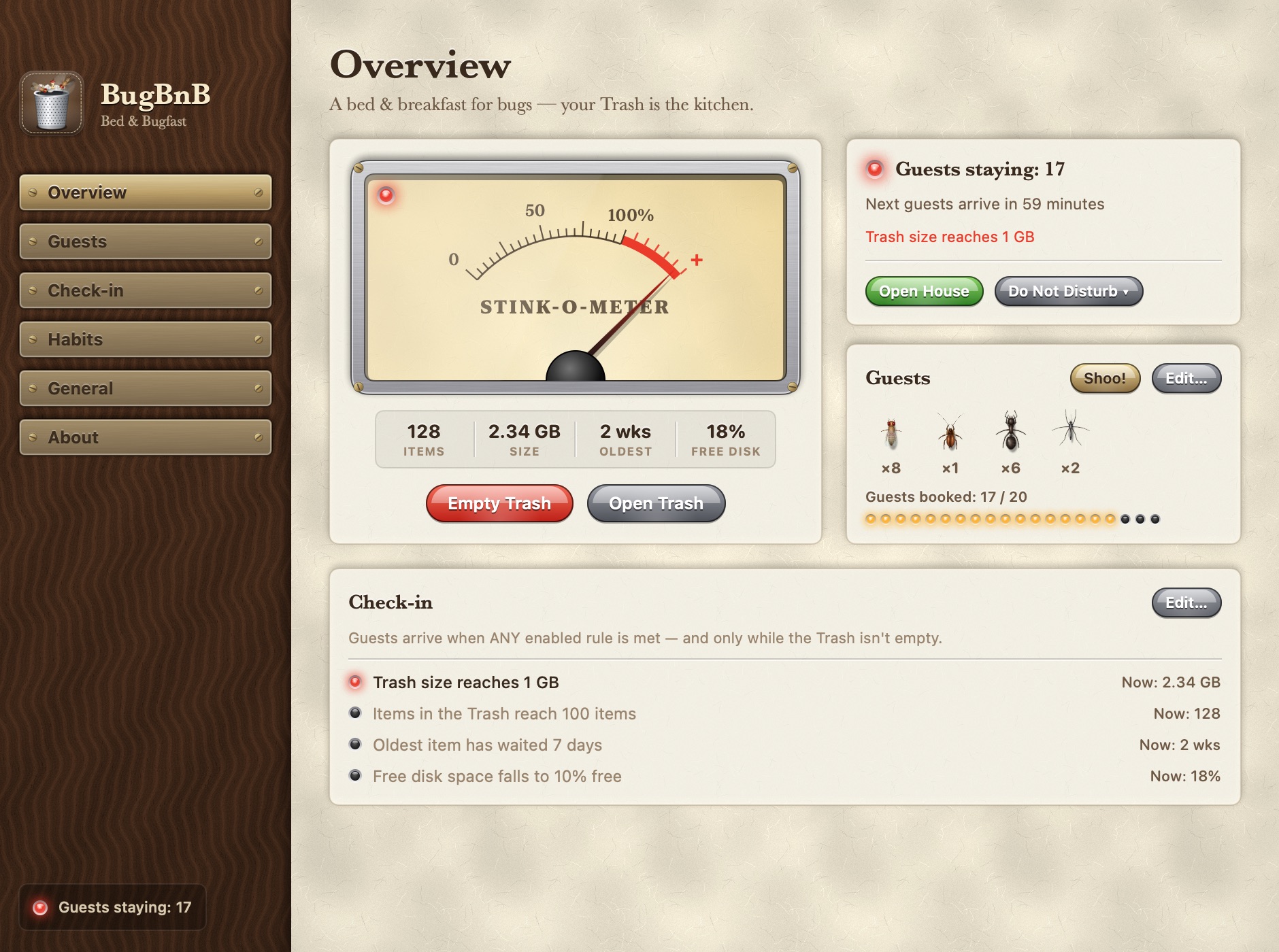
BugBnB keeps an eye on how big your Trash is, how many items it holds, how long the oldest has waited and how much disk space is left. When a rule you’ve turned on is met, the Stink-o-Meter swings into the red.
Step 2
They arrive the way real insects do. Fruit flies follow the scent in zigzags, a scout ant lays a trail for the colony, a cockroach hugs the edges of the screen. The Trash in your Dock is where everyone eats.
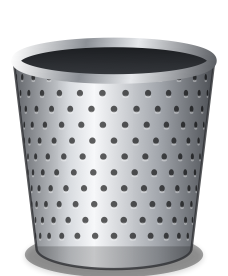
Step 3
Clear the Trash and each guest leaves in character: flies take off, ants march home, the cockroach bolts for the nearest edge.
The guests
Compound eyes, bristles, veined wings with a sheen of colour. Choose who may stay, how many and how big: up to 20 guests in all, in small, medium or large.
Drosophila melanogaster
Tracks the smell of fermentation in quick zigzags, lands on the rim to feed and grooms constantly.
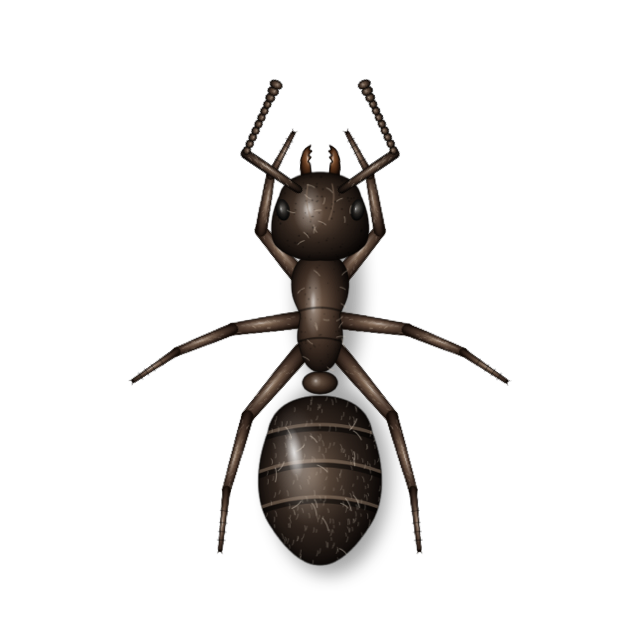
Lasius niger
A scout finds the food and lays a trail; the colony marches back and forth with crumbs, touching antennae when they meet.
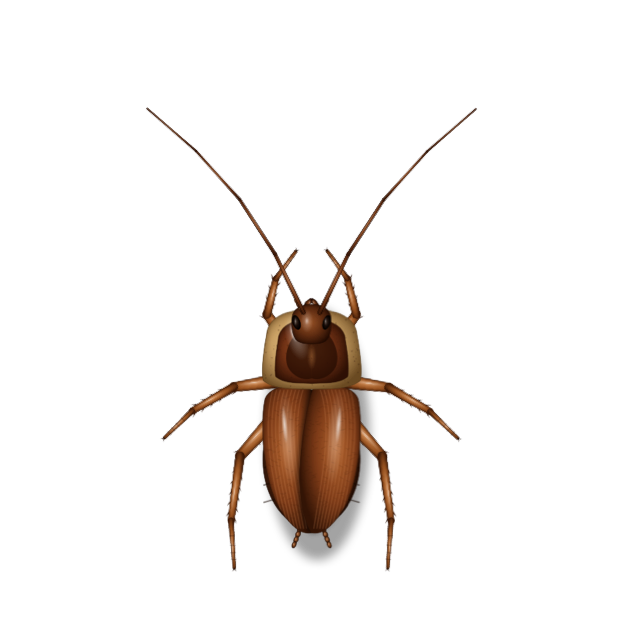
Periplaneta americana
Hugs the edges, freezes, then bolts. Bolder at night; at the slightest draft it slips off the edge of the screen.
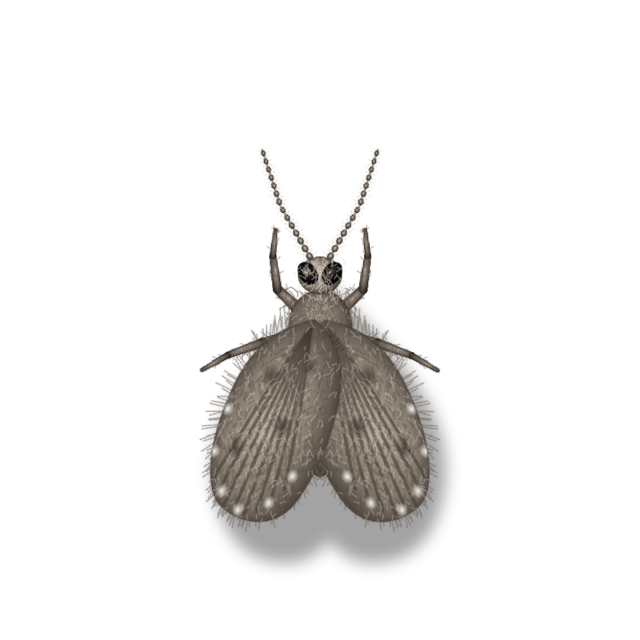
Clogmia albipunctata
A fuzzy drain fly: weak little hops, then long rests with its wings folded into a heart.
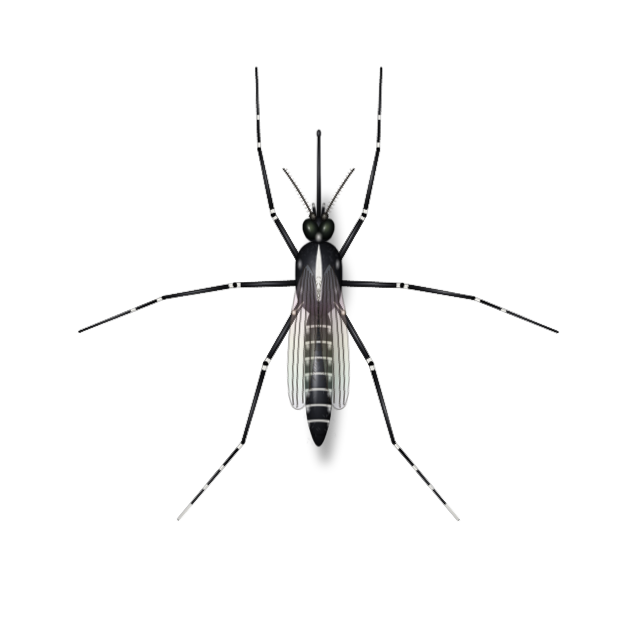
Aedes albopictus
Bobs in a hovering dance, and sneaks up on a resting pointer for a sip until its abdomen glows red.
Check-in rules
Turn on as many rules as you like. Guests arrive when any of them is met, and only while the Trash isn’t empty. Try it:
Vacant. Nothing smells yet.
Size presets: Tidy 10 MB · Everyday 1 GB · Hoarder 10 GB, or any size you like. Guests can arrive all at once, or gradually, a new wave every 15 minutes to 2 hours. The Trash on external drives and in iCloud Drive counts too.
Habits
Guests roam all your screens, taking the routes where displays actually meet — or stay on the display with the bin.
They flee an approaching pointer; you decide how bold they are. Clicks nearby startle them. Hover the bin to clear the room, or press Shoo!
Leave the pointer still for a moment and a mosquito may come for a bite. Move, and it’s gone.
Pause for an hour, until tomorrow morning or until you say so. Presenting? Hide them from screenshots and screen sharing.
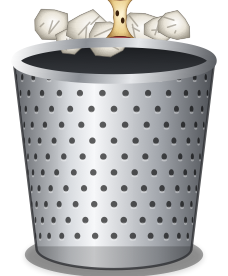
The Trash in your Dock, located precisely with Accessibility — or a perforated steel bin you drag anywhere on the desktop.
The menu bar icon tells you who’s in: a fly when guests are staying, z z during Do Not Disturb, ! when BugBnB needs a permission.
Screenshots
Every control is a thing you could touch: toggle switches, a mechanical counter, gel buttons and a spring-loaded meter.
House rules
No account, no analytics. The only thing it ever fetches is a daily update check, which you can turn off. BugBnB reads only your Trash’s size, item count and dates.
The Trash is emptied only when you click Empty Trash, after a confirmation unless you turn it off. Clicks pass straight through the insects.
| Permission | Needed? | Why |
|---|---|---|
| Full Disk Access | Required | macOS protects the Trash folder. Without access, BugBnB can’t measure it. |
| Accessibility | Optional | Finds the exact Trash icon in the Dock. Without it, BugBnB estimates where it is, or you can use the desktop bin. |
| Automation › Finder | Optional | Empties the Trash through Finder, which handles locked items. Without it, BugBnB removes the Trash’s contents itself. |
Reception is open
78af23130c8250c1bfb646cbeba33ece08ae63afe39b4337a721f8c80f464d79 This build isn’t notarized by Apple yet. The first time, Control-click BugBnB in Applications and choose Open.
Questions
No. They’re drawn on a transparent layer above your desktop, and clicks pass straight through. BugBnB never opens, moves or deletes a file unless you click Empty Trash.
Since macOS Mojave the Trash folder is privacy-protected. BugBnB needs access to measure it, and it reads nothing else.
Choose Do Not Disturb in the menu bar panel, and turn on Hide from Screenshots and Screen Sharing. They also stay out of full-screen apps unless you allow it.
Yes. Guests travel between displays where their edges meet, or you can keep them on the display with the bin.
BananaBin, which inspired BugBnB, shows flies around the Dock’s Trash once it passes a size. BugBnB adds four more species with their own habits, roaming across displays, more check-in rules, gradual arrivals, Do Not Disturb, and support back to macOS 11.
Yes. BugBnB follows your Mac’s language, so a system set to Simplified Chinese gets a Chinese BugBnB. You can also pick a language yourself in Settings › General, or on the welcome card the first time you open it.
Quit BugBnB from its menu, then drag it from Applications to the Trash. Your guests will be delighted, right up until you empty it.
Any Mac running macOS 11 Big Sur or later, with Apple silicon or an Intel processor.


